Pokémon Emerald on MyBoy
Have your own Emerald game file ready. Open it in MyBoy, check the controls, then create an in-game save before experimenting with settings.
Emerald basics MyBoy.club
Get APK
MyBoy.club
Get APK
MyBoy brings Game Boy Advance games to your phone, with custom controls, save states, and link cable emulation.
Version 2.0.6 Android APK
Bring your own game files. No games are included.
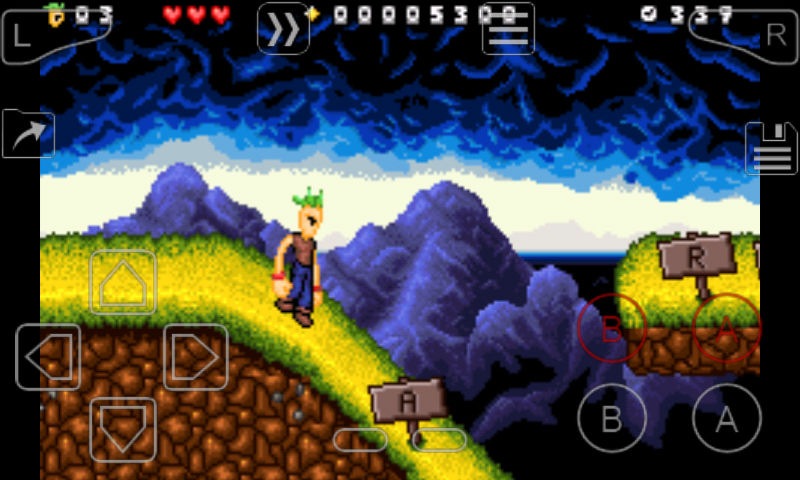
Keep the familiar buttons. Adjust the layout, save your progress, and pick up the game when you have a moment.
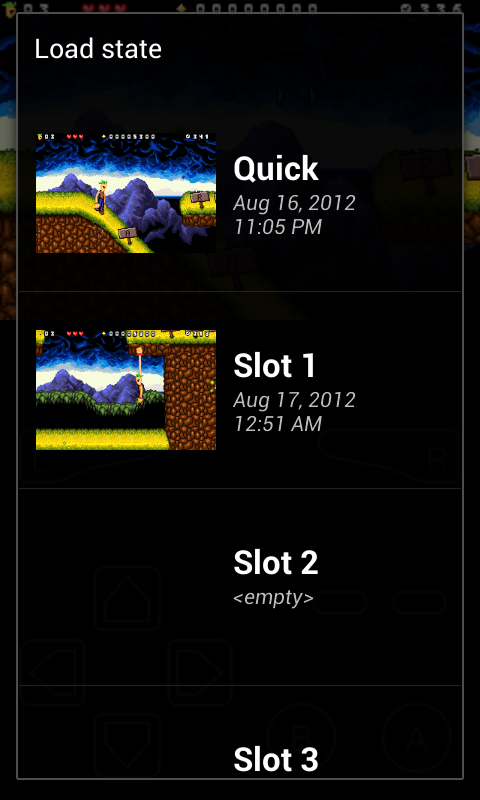
Save states capture a moment in the game. Keep using the game’s own save menu too: an in-game save and a save state serve different purposes.
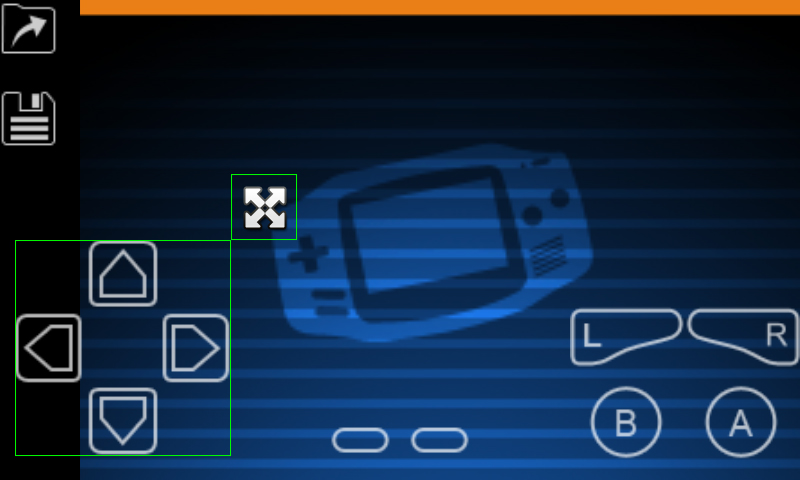
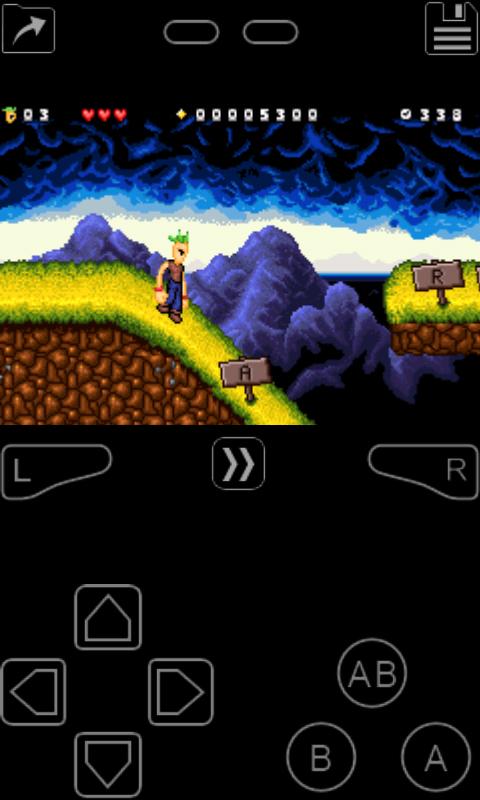
The layout editor lets you move the controls and resize the game screen. Use separate layouts for different ways of holding your phone.
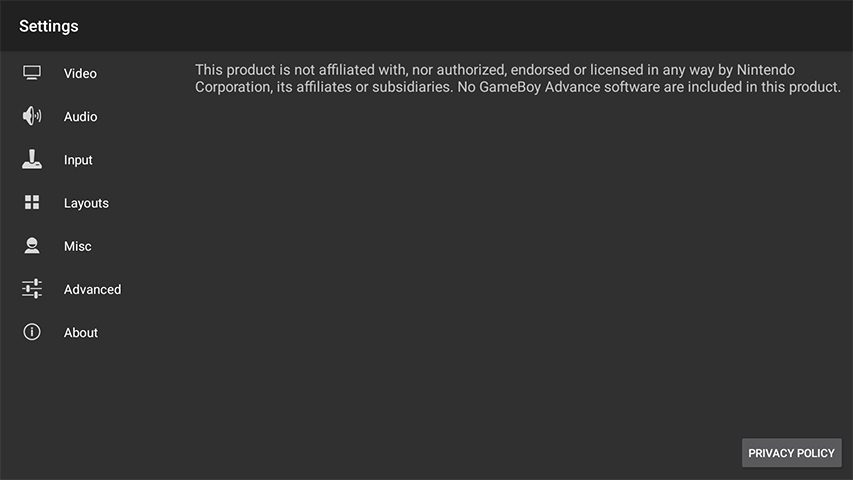
Video, audio, input, and layouts are grouped in Settings. Adjust the picture and controls from one place.
Available options and menu names can vary by version.
Two practical guides for the first session and the progress you want to keep.
Have your own Emerald game file ready. Open it in MyBoy, check the controls, then create an in-game save before experimenting with settings.
Emerald basicsThe developer’s current FAQ describes a private app folder and Google Drive sync. The folder you can access depends on the app version and Android storage rules.
Save-file basics.gba file in a folder on your Android device.Emerald is a GBA title. A GB, GBC, or Nintendo DS game file needs an emulator for that system.
For versions with Google Drive sync, enable it in MyBoy and check that the saves appear in the MyBoy folder on Drive. Keep a separate backup before moving phones or reinstalling.
Older releases may use a visible storage folder. Don’t rely on a single path for every installation, and don’t confuse a save state with the game’s own save file.
Searching for “myboy emulator mod apk”? That term usually describes a third-party modified package. It does not establish who made the file or which features it contains.
This site provides a download link for version 2.0.6. We do not claim that this package is an official release, a verified mod, or a premium unlock.
Compare the source with the developer’s Google Play listing. Back up your saves before replacing an existing installation.
No. You provide the game files separately. The developer does not bundle games with My Boy.
The developer FAQ lists .gba, .bin, and .zip. A ZIP must contain a recognized game file and must not be password protected.
My Boy is for Game Boy Advance. The developer provides My OldBoy for Game Boy and Game Boy Color titles.
The developer describes built-in high-level BIOS emulation, so a separate BIOS file is not required for normal use.
Check that the file is a complete GBA game. If it loaded before, try disabling cheats and automatic state loading; an incompatible code or damaged state can prevent a game from starting.
myboy.club is an independent download and guide site. It is not the app developer’s website and is not affiliated with Nintendo.